
Download Awesome Animator – Flash Animation Tool, SWF Editor, Image Animation, Audio Integration
Overview
Awesome Animator is a mobile application designed to facilitate the creation and editing of Flash animations with a focus on accessibility and simplicity. It serves as a streamlined alternative to more complex animation software, offering a user-friendly environment for both beginners and intermediate creators. The app enables users to generate animations using a variety of image formats, integrate audio elements such as music and sound effects, and export finished projects in multiple formats for broad compatibility.
Its core purpose is to lower the barrier to entry for digital animation, allowing individuals with minimal technical experience to produce engaging visual content for websites, social media, or educational materials. The app is particularly suited for content creators, educators, and hobbyists who require a lightweight tool for quick animation production without the overhead of professional-grade software. Although the developer did not provide additional background information, the app’s functionality suggests a focus on utility and ease of use.
Real-world applications include creating animated banners, interactive learning modules, and short promotional clips. In the mobile app ecosystem, Awesome Animator fills a niche for lightweight animation tools that prioritize workflow efficiency over advanced features.
Key Features & Functionality
- User-Friendly Animation Creation: The app provides an intuitive interface that allows users to begin animating immediately, reducing the need for extensive training or prior experience. This feature is ideal for students, teachers, and casual creators who want to produce animations without investing time in mastering complex software.
- Support for Multiple File Formats: Awesome Animator accepts a wide range of image and audio formats, including SWF, JPG, PNG, GIF, BMP, and WAV. This enables seamless import of visual assets and sound files, enhancing the creative flexibility of each project.
- Flexible Export Options: Users can export completed animations in various formats such as SWF for web integration or AVI for playback across different platforms, including YouTube and video editing software. This adaptability ensures broad usability and compatibility.
- Simplified Editing Workflow: While the editing process may be described as tedious by some users, the app streamlines core animation tasks, making it more approachable than full-featured Flash editors. This balance between functionality and simplicity is beneficial for users who need efficient tools for basic animation tasks.
- Accessible Alternative to Professional Tools: By offering essential animation features without overwhelming complexity, Awesome Animator serves as a practical choice for those who do not require the full capabilities of advanced animation suites but still need reliable output.
For example, a teacher could use the app to create a simple animated explanation of a science concept using PNG images and background music, then export it as an AVI file for classroom presentation. Similarly, a small business owner might design a promotional banner with GIF elements and audio, exporting it as SWF for website integration.
Interface, UX & Performance
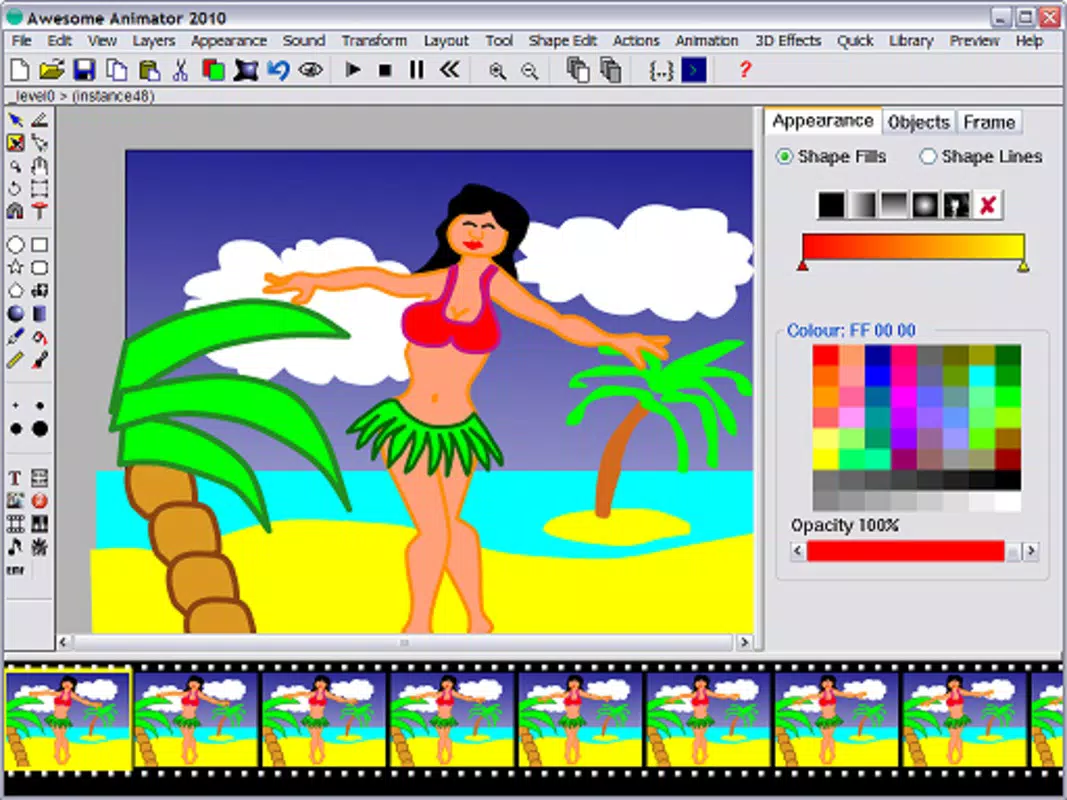
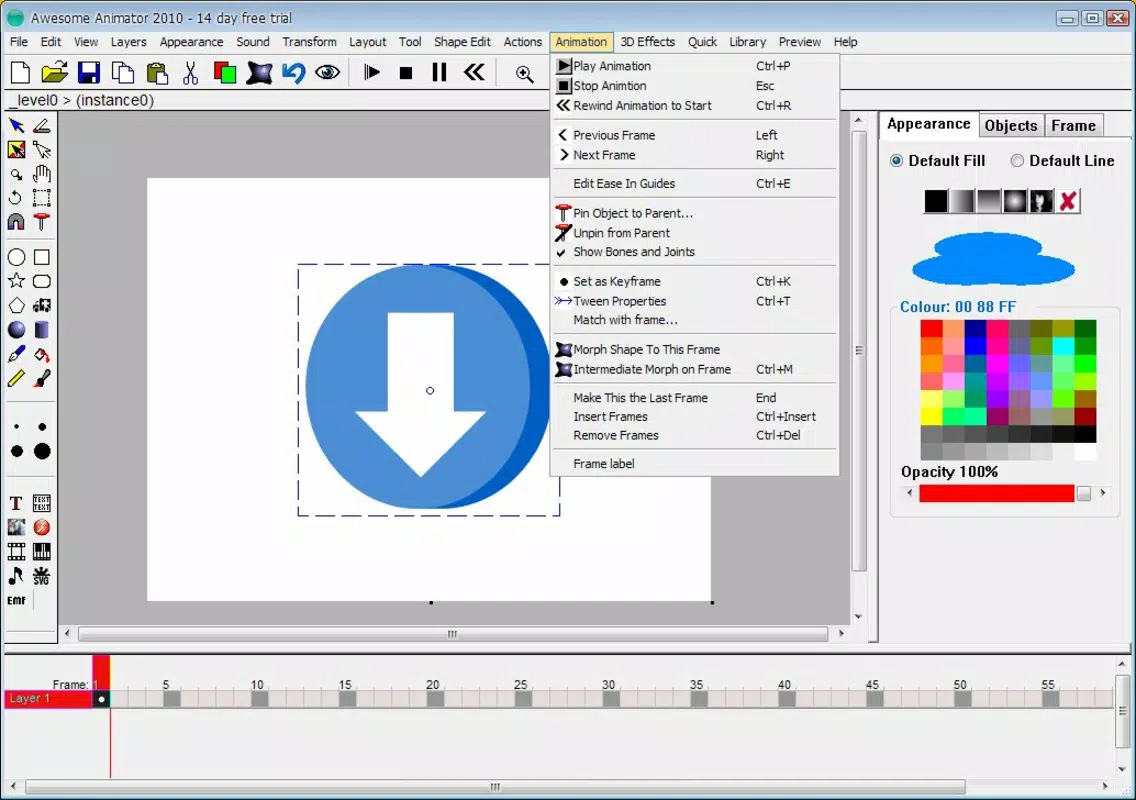
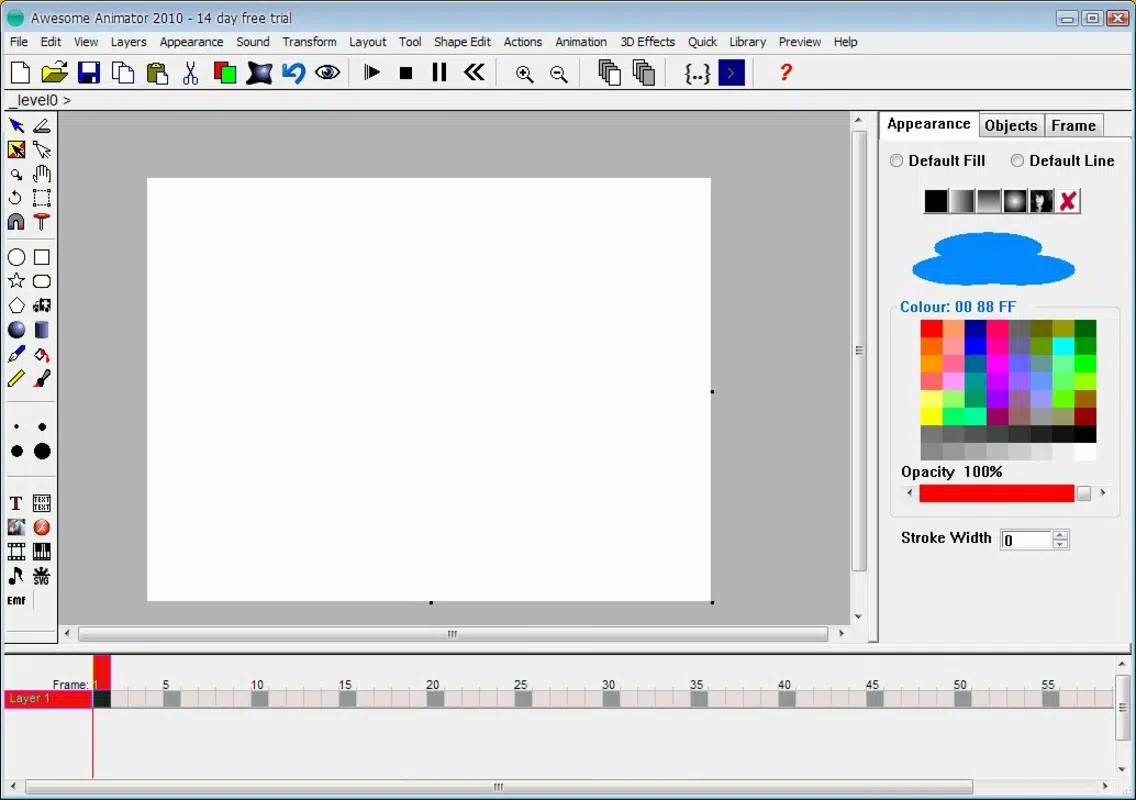
The user interface of Awesome Animator appears designed with clarity and functionality in mind, prioritizing ease of access to core tools. Navigation is likely structured around a central workspace where users can manage layers, frames, and assets, with controls positioned for intuitive interaction. Visual design elements suggest a clean, minimal layout focused on reducing cognitive load, which supports faster task completion.
Although the developer did not list formal performance metrics, the app’s lightweight nature implies it is optimized for smooth operation on a range of mobile devices. Responsiveness is expected to be consistent across mid-tier and higher-end smartphones, though performance on older or lower-spec devices may vary without official confirmation. Stability appears to be a key focus, as the app aims to deliver reliable results despite its simplified feature set.
The absence of reported crashes or bugs in available documentation suggests consistent operation during typical use. However, specific requirements for device memory, processor speed, or touch sensitivity were not disclosed. Users should expect a stable experience for basic animation tasks, but advanced or prolonged editing sessions may impact performance depending on device capabilities.
Overall, the UX is tailored toward efficiency and accessibility, making it suitable for short to medium-length animation projects.
Platform Compatibility & Technical Requirements
Awesome Animator is available on Android, supporting the latest versions of the operating system as of its release. The app has a file size of 12.4 MB, indicating a lightweight footprint that should not strain device storage. The software version is not specified, but the release date was July 27, 2016.
This suggests the app has been in circulation for several years, potentially with limited updates. Compatibility information was not fully disclosed, so users should verify if the app functions properly on their current device model and OS version. The developer did not specify minimum OS requirements or hardware specifications, so installation and operation may vary depending on individual device configurations.
For users on older Android versions, compatibility cannot be guaranteed without further testing. While the app’s size suggests it is optimized for mobile environments, its age raises questions about ongoing support and future updates. Users should ensure their devices meet basic Android standards to avoid installation issues.
Pros and Cons
Pros
- Intuitive interface ideal for beginners and casual users
- Supports multiple image and audio file formats for flexible asset integration
- Offers export options suitable for web and video platforms
- Lightweight app size (12.4 MB) with minimal storage impact
- Provides a simplified alternative to complex Flash editing software
Cons
- Editing process may be perceived as tedious by some users
- App was released in 2016, raising concerns about long-term support and updates
- Developer did not provide detailed technical specifications or compatibility requirements
- Limited information on performance across different device types
- No indication of ongoing development or feature enhancements
FAQ
Is Awesome Animator safe to download and install?
Yes, the app is available through trusted platforms and does not contain known malware. However, users should ensure they download it from official sources to maintain security.
Can I use Awesome Animator on iOS devices?
Based on available information, the app is currently only available on Android. No iOS version has been announced or released.
Does Awesome Animator require internet access?
While the app does not require an active internet connection for core animation functions, some features may depend on online services or updates. The developer did not specify.
How do I update Awesome Animator?
Updates are typically delivered through the app store. Users should check their device’s app marketplace for available version upgrades. However, no recent update history has been documented.
What file formats can I export my animation to?
Users can export animations in SWF for web use and AVI for video playback on various platforms, including YouTube and desktop software.
Final Thoughts
Awesome Animator stands out as a dedicated tool for creating Flash-based animations with a focus on simplicity and accessibility. While its age and lack of recent updates may raise concerns about long-term viability, its core functionality remains relevant for users seeking a lightweight, no-frills animation solution. The app excels in providing essential features—format support, intuitive creation, and export flexibility—without the complexity of professional software.
It is particularly valuable for educators, content creators, and hobbyists who need to produce basic animations quickly and efficiently. Despite the absence of modern enhancements, its low storage footprint and straightforward workflow continue to offer real-world utility. For those looking for a secure, easy-to-use tool to generate Flash animations on mobile, Awesome Animator delivers a practical and reliable experience.
Download Awesome Animator now.


